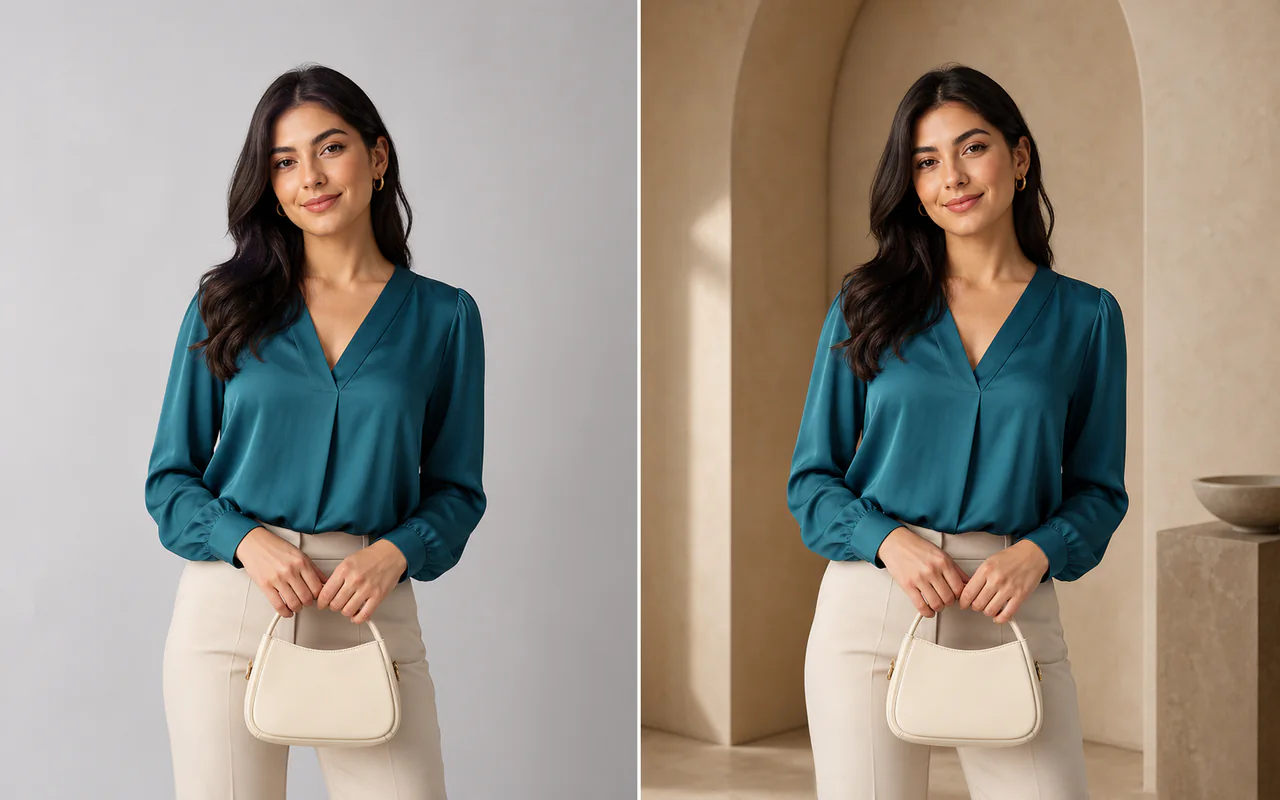
編集前 編集後
背景の置換
被写体と構図を保ちながら新しい場面へ。
画像をアップロードし、変更内容を説明して、ひとつのワークスペースで結果を比較・再編集できます。
元画像
実績のある編集例から始め、画像に合わせてプロンプトを調整できます。
被写体と構図を保ちながら新しい場面へ。
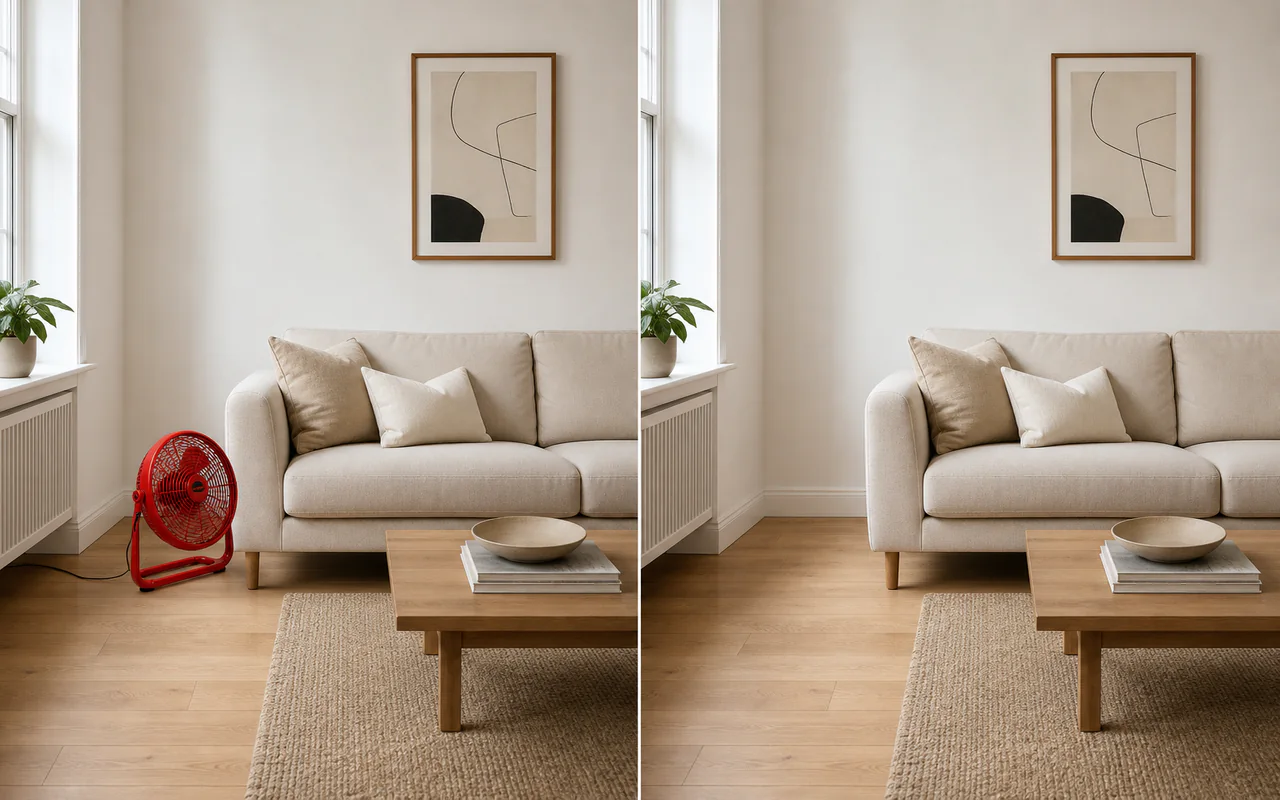
不要物を塗って背景を自然に補完。
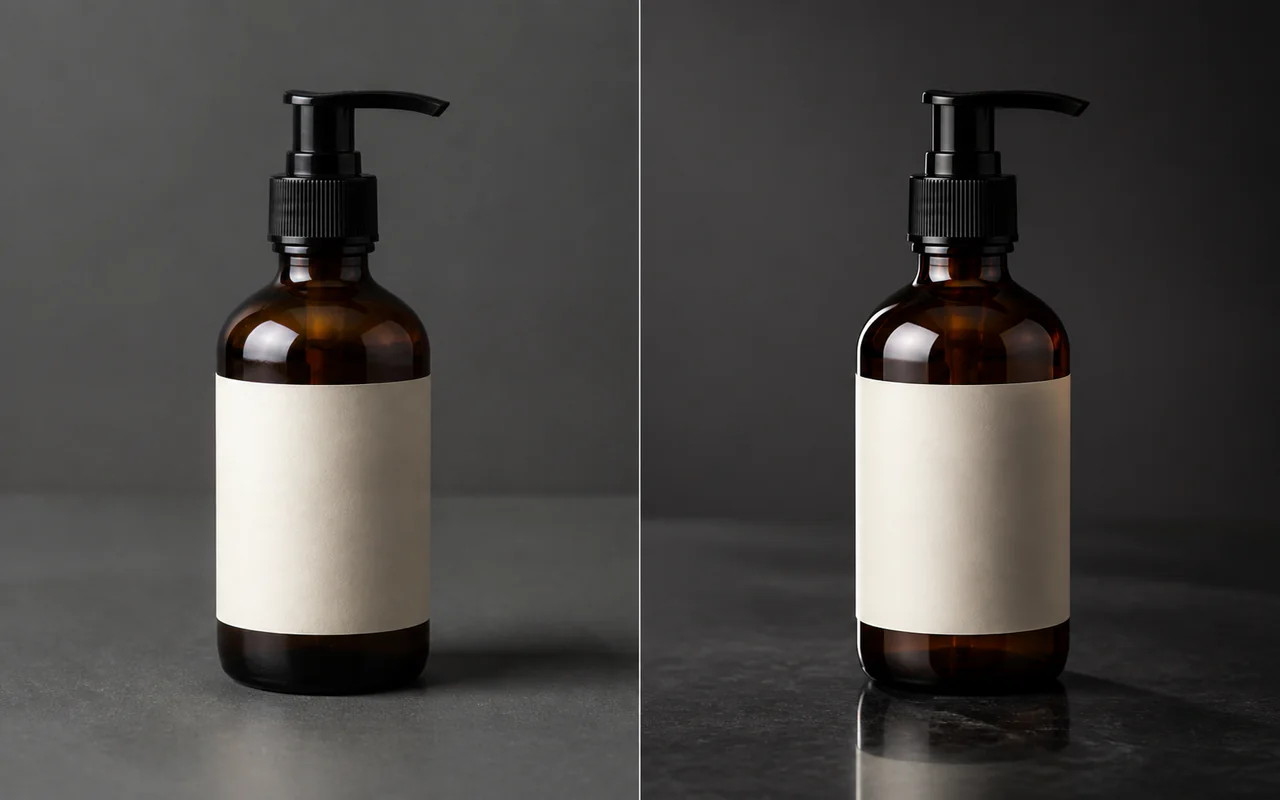
反射を整え商品素材を精細に。
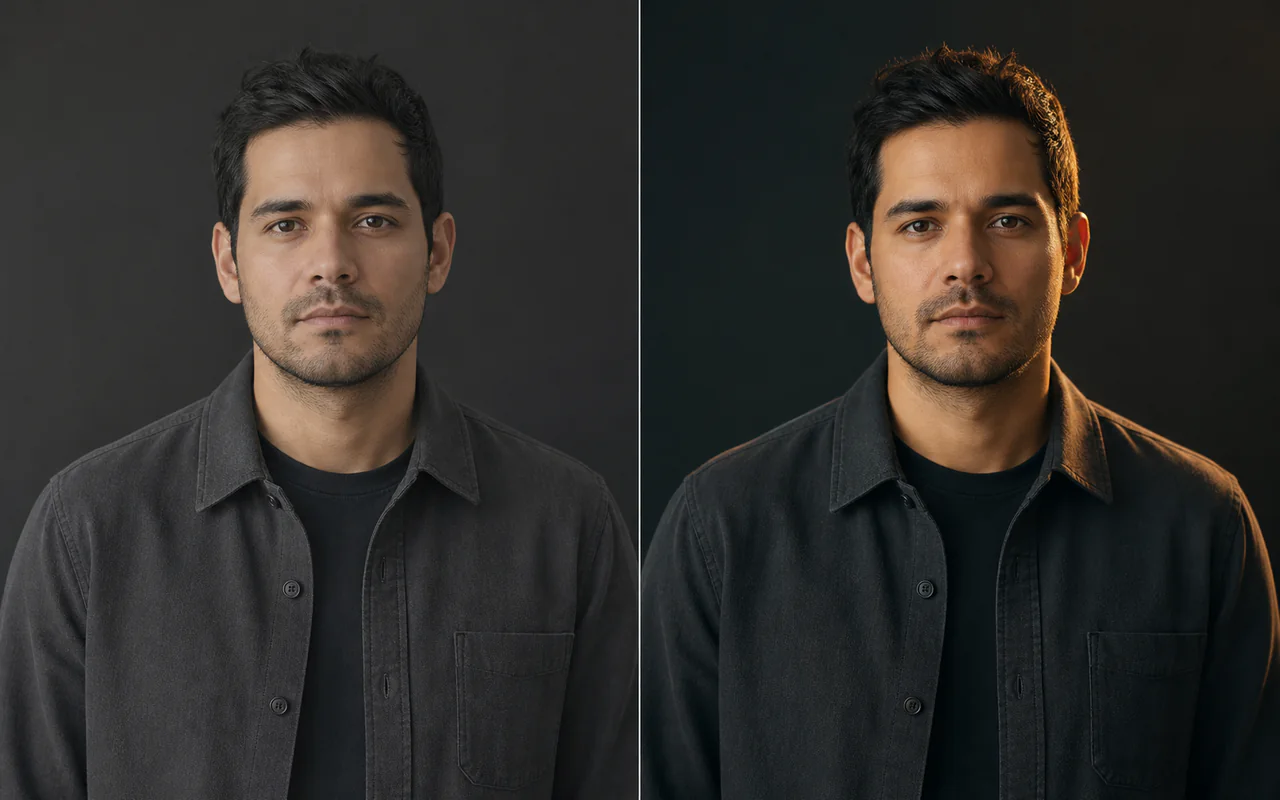
顔と姿勢を保ち光と色を変更。
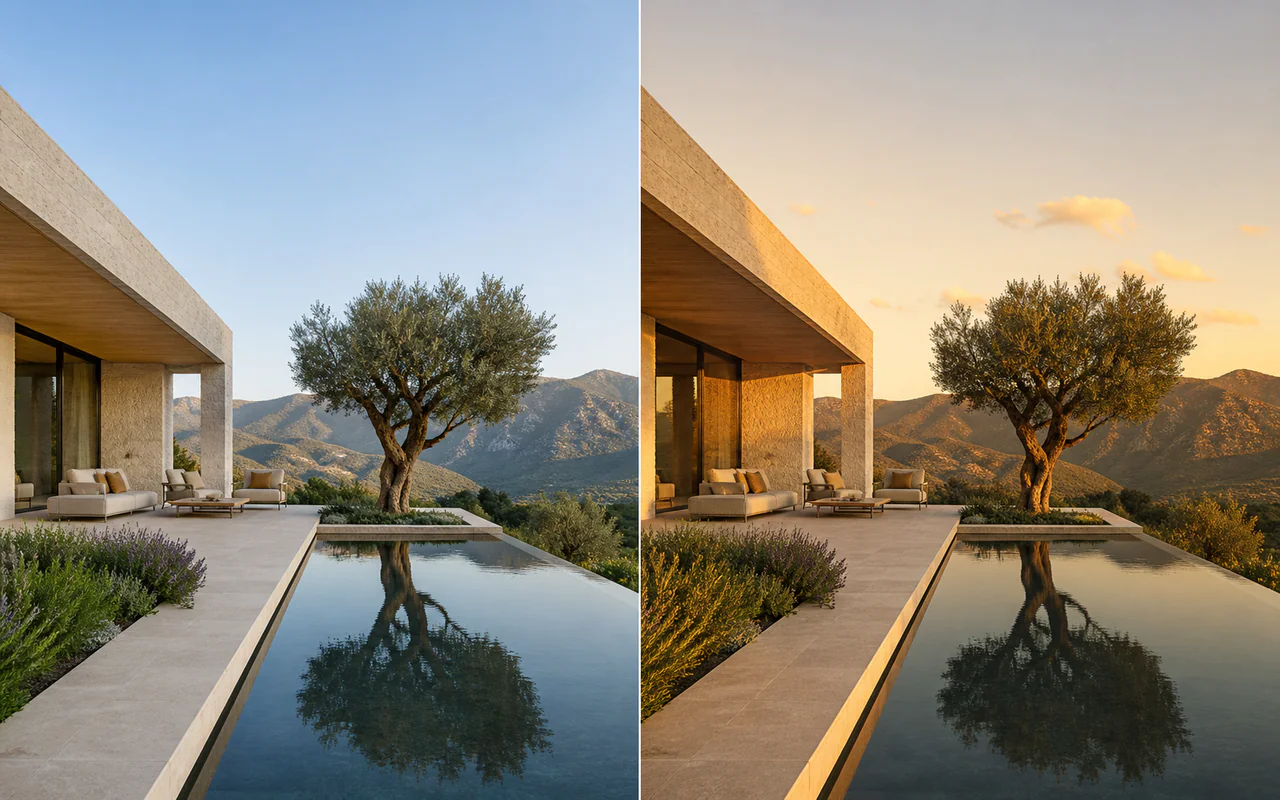
構図を保ち時間帯と雰囲気を変更。
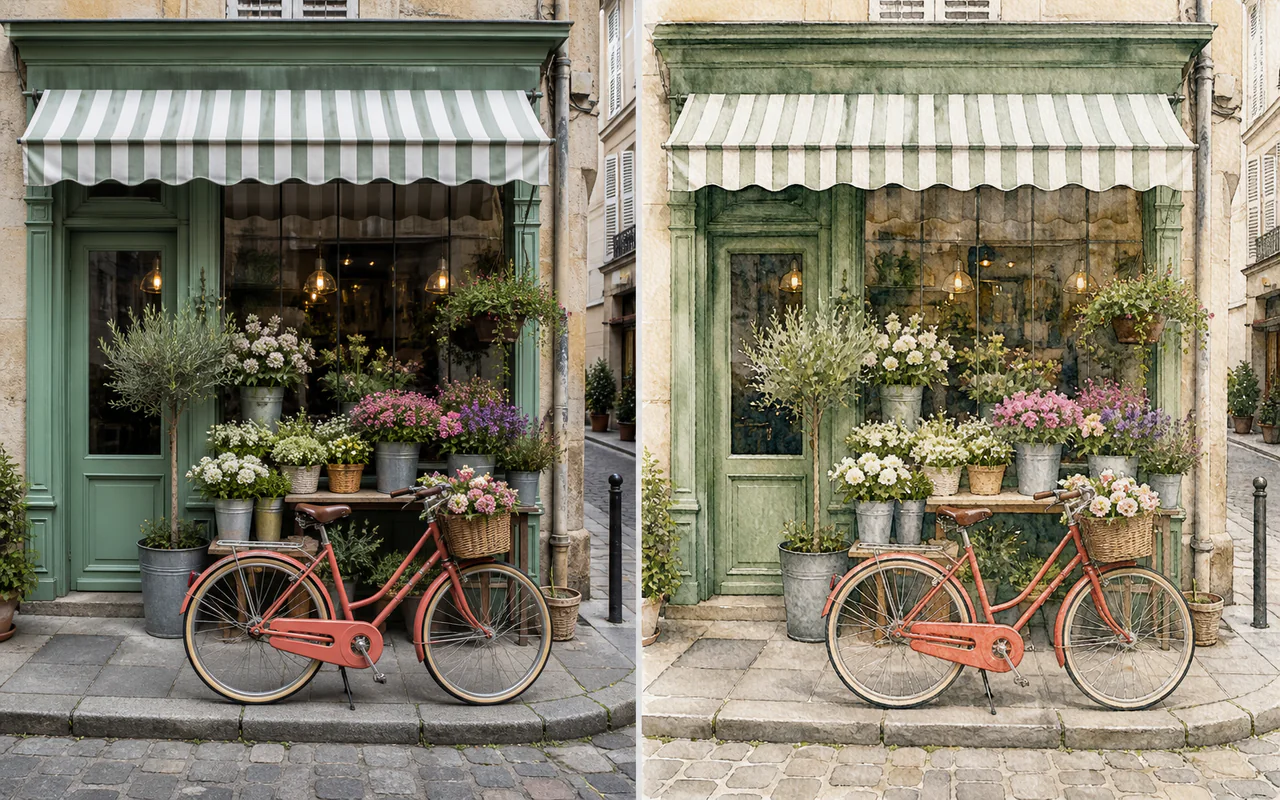
写真を一貫したイラスト表現へ。
Z-Image-Edit is the dedicated editing member of the Z-Image model family developed by Tongyi-MAI. It is designed for instruction-driven editing and creative image-to-image work. Until those weights are released, this workspace uses currently available editing models through WaveSpeed.
Tongyi-MAI公式リポジトリでは専用Z-Image-Edit重みが現在も「To be released」です。現行の全体編集にはQwen Image Edit Plus、マスク編集にはFLUX Devを使用します。
Tongyi-MAI公式リポジトリを見るZ-Imageファミリーの公開状況と主な用途。
| モデル | 主用途 | ステップ | CFG | 利用状況 |
|---|---|---|---|---|
| Z-Image Turbo | 高速生成と現行編集 | 8 | なし | 利用可能 |
| Z-Image | 生成とファインチューニング | 50 | あり | 利用可能 |
| Z-Image-Edit | 専用画像編集 | 50 | あり | 未公開 |
PNG、JPG、WebPを追加。決済確認前に準備できます。
全体編集かマスク編集を選び、変更内容を入力します。
有料タスクを開始し、比較、保存、再編集します。
変更点と保持点を具体的に書くと安定します。
Replace the wooden chair with a black leather lounge chair. Keep the room, camera angle, lighting and every other object unchanged.
Replace the background with a clean luxury studio with soft beige walls. Keep the subject, camera angle and lighting direction unchanged.
Change the blue jacket to a beige wool coat while preserving the person's face, pose, body proportions and background.
Place the perfume bottle on polished black stone with soft studio lighting and subtle reflections. Preserve the bottle shape and label.
Repair the damaged area with matching texture, color, lighting and perspective. Keep all unmasked pixels unchanged.
セットアップ量と制御範囲で選びましょう。
インストール不要でアップロード、マスク、比較、再編集。
画像、マスク、タスク受信前に購入履歴を検証。
素材はユーザー専用で認証・署名リンクからのみ配信。
既定は全体3、インペイント4クレジット。失敗時は自動返却。
いいえ。2026年8月12日時点で公式リポジトリは専用重みを「To be released」としています。
はい。全体編集にはQwen Image Edit Plus、マスク編集にはFLUX Devを使います。
ログインし、クレジットパック購入が一度以上完了したユーザーだけが実行できます。
既定で全体編集3クレジット、インペイント4クレジットです。
予約されたクレジットは自動で返却されます。
The existing asynchronous job system returns reserved credits automatically when a provider task fails.
Yes. Choose Use as source to create an explicit result-to-result editing chain without downloading and uploading again.
Yes. The ComfyUI guide covers local Z-Image workflows. The dedicated Z-Image-Edit weights cannot be installed until Tongyi-MAI releases them.
元画像とプロンプトを準備し、生成時に有料エディターを解放できます。
プロンプト集を使う、画像を編集する、解像度を上げる。