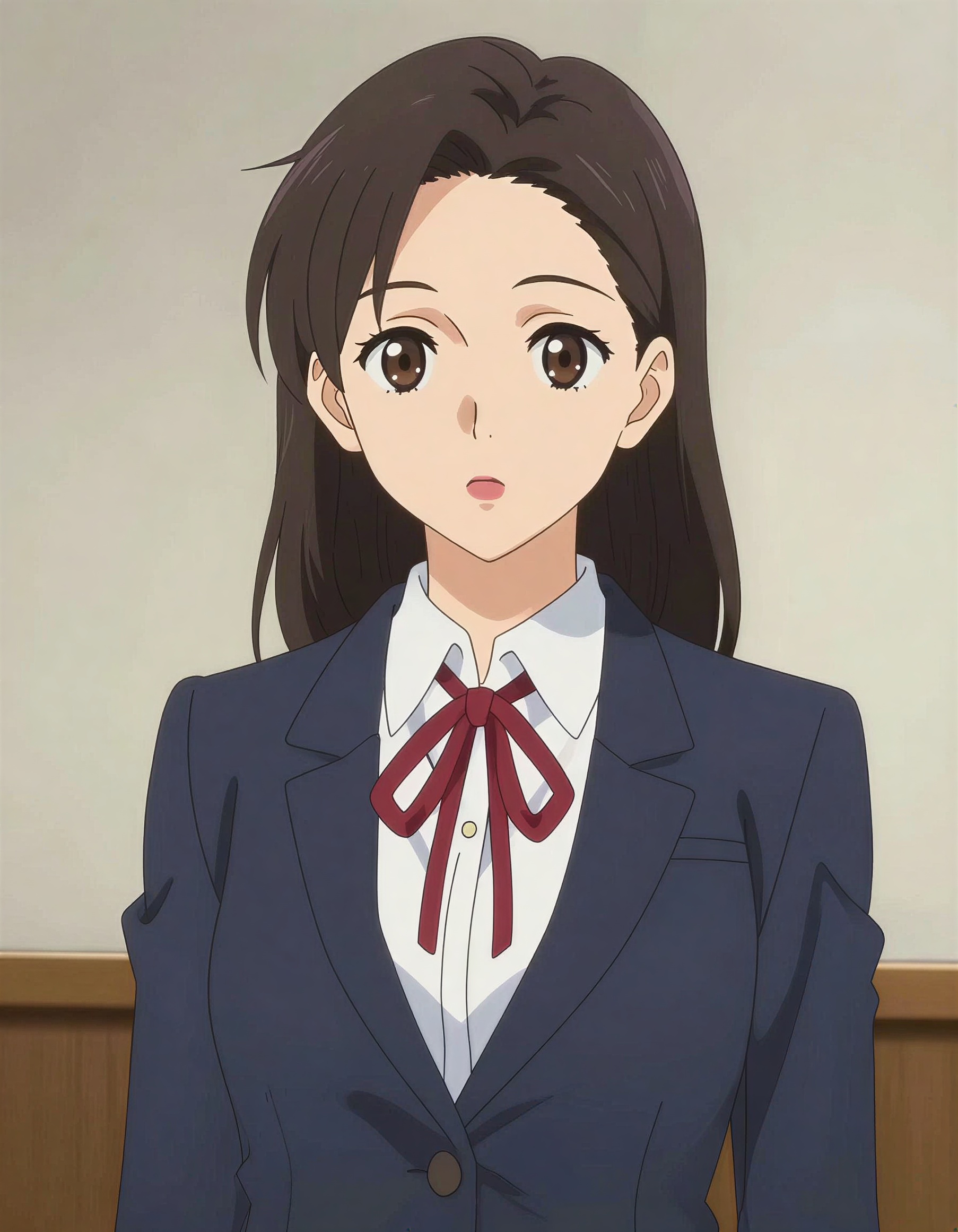
 Anime
Anime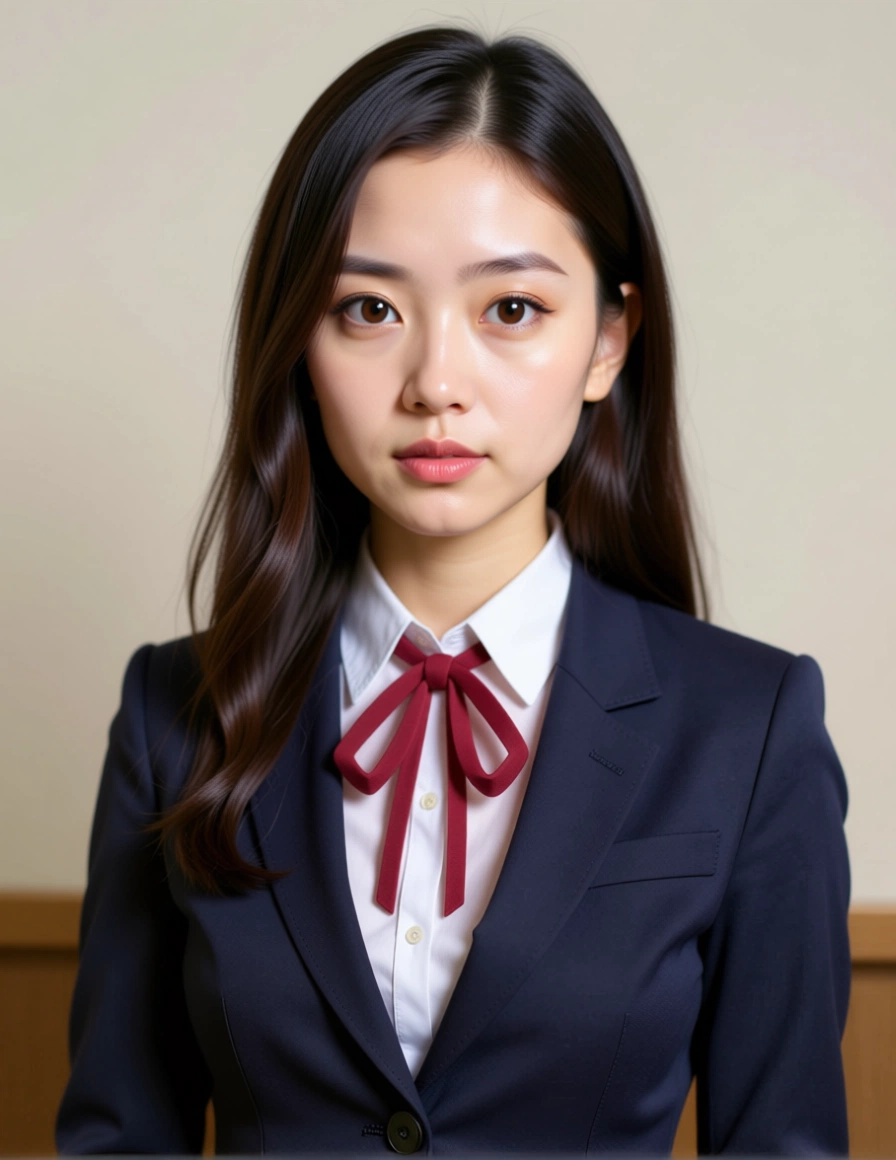 Realistic
Upload an illustration, pick a prompt, and Z-Image converts it into a photorealistic version. Prepare the image and prompt for free — running the conversion needs a credit pack.
Anime source
Anime style
Strength
0.55Higher values look more photographic but drift further from the original face.
Realistic result
Your realistic version appears here
Upload an anime image on the left, pick a style, then run the conversion.
The same character, converted at a balanced strength so the hairstyle, outfit and pose survive while skin, fabric and lighting become photographic.
Anime Realistic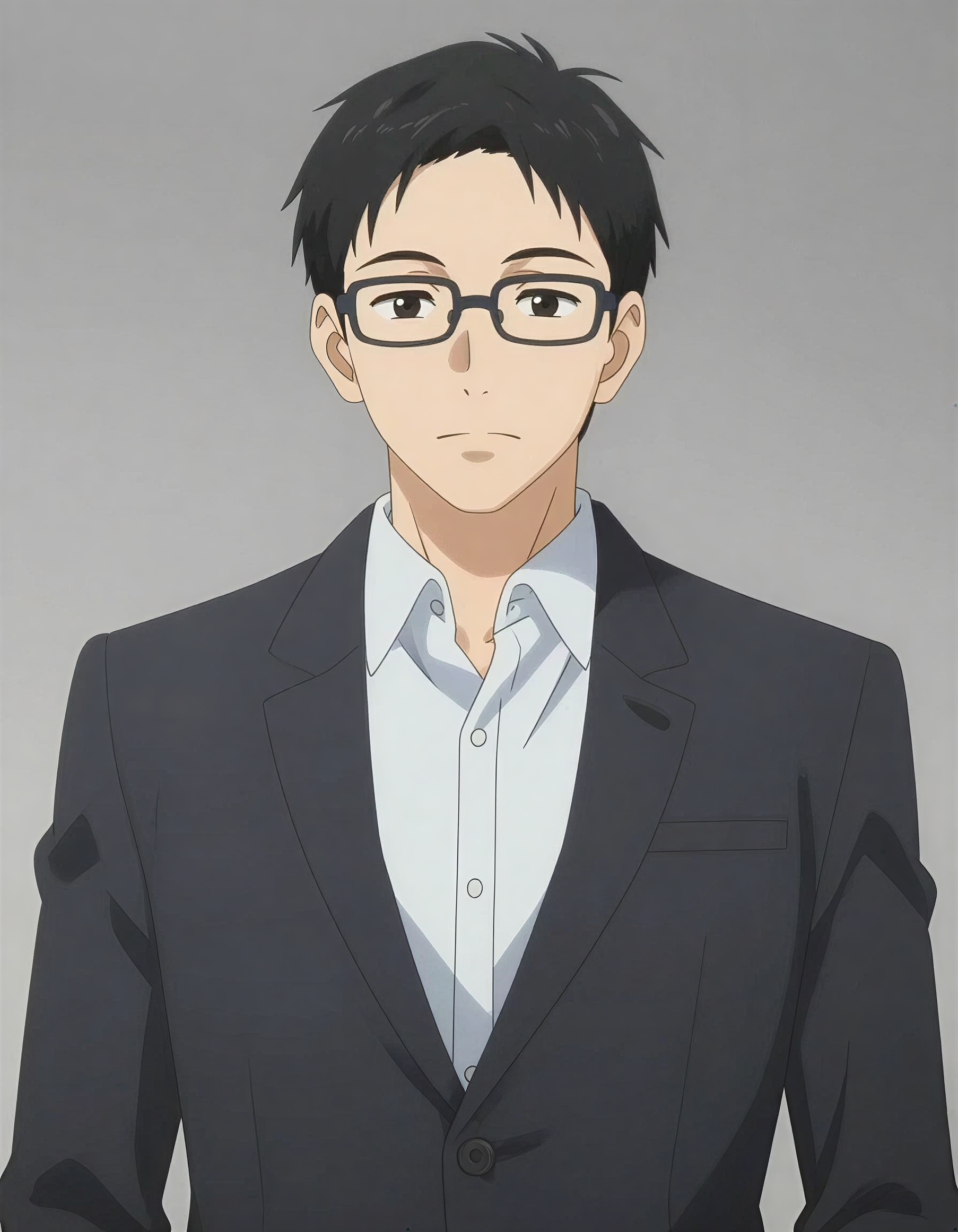 Anime
Anime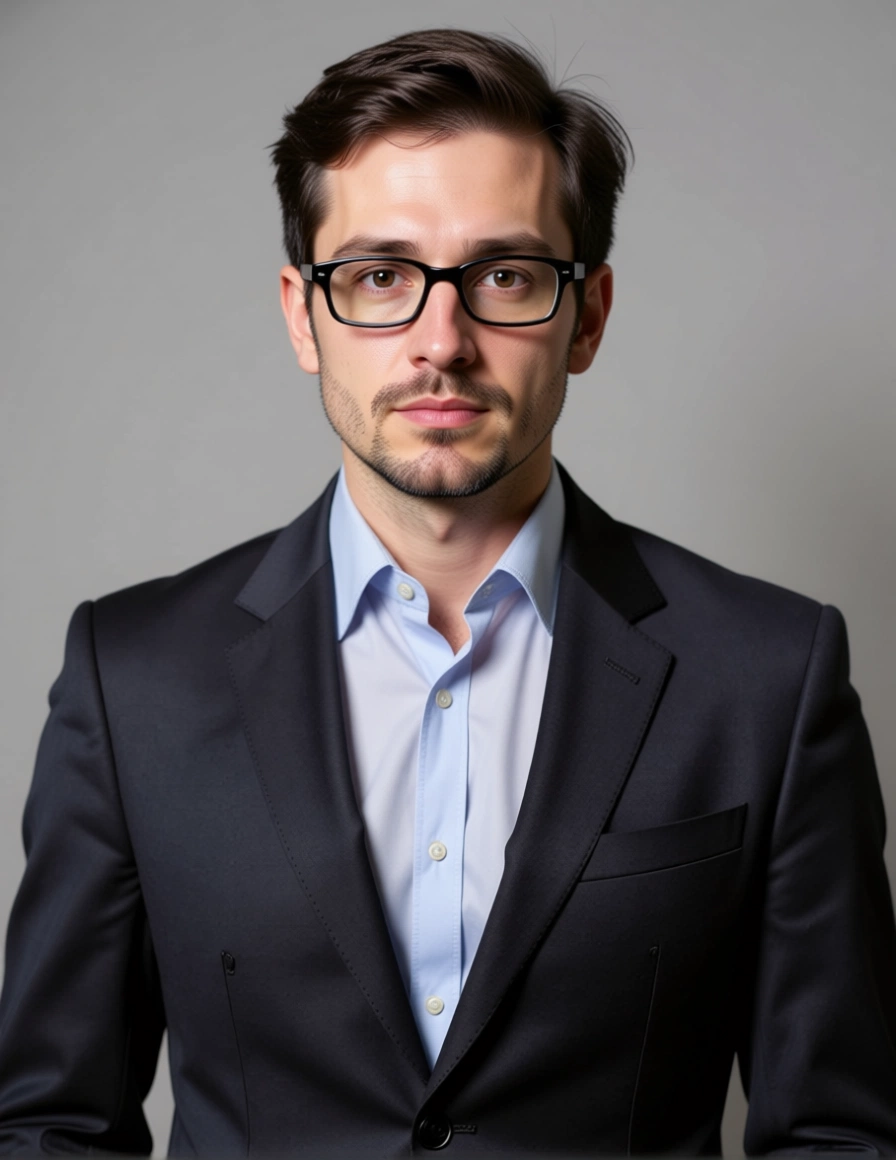 Realistic
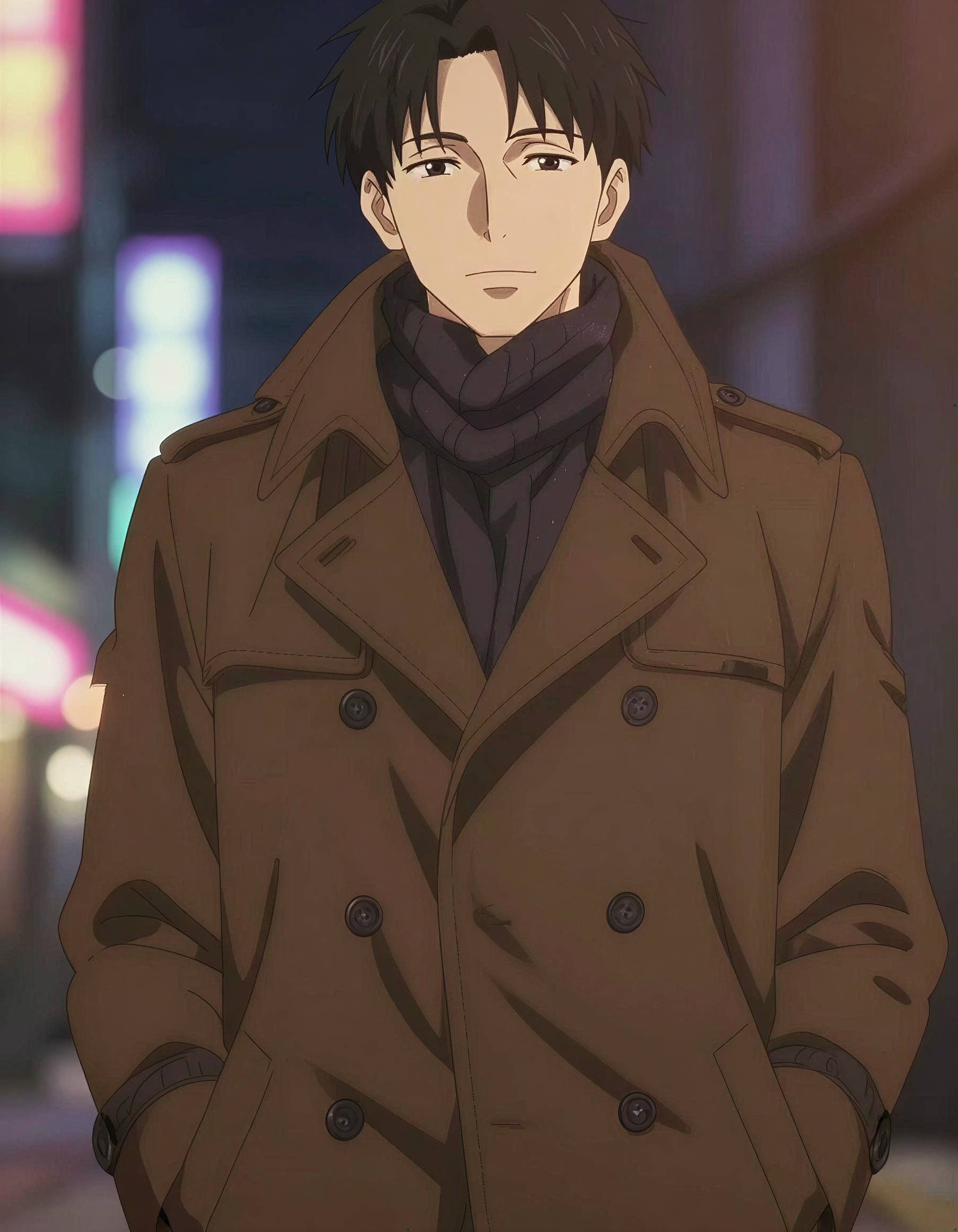 Anime
Anime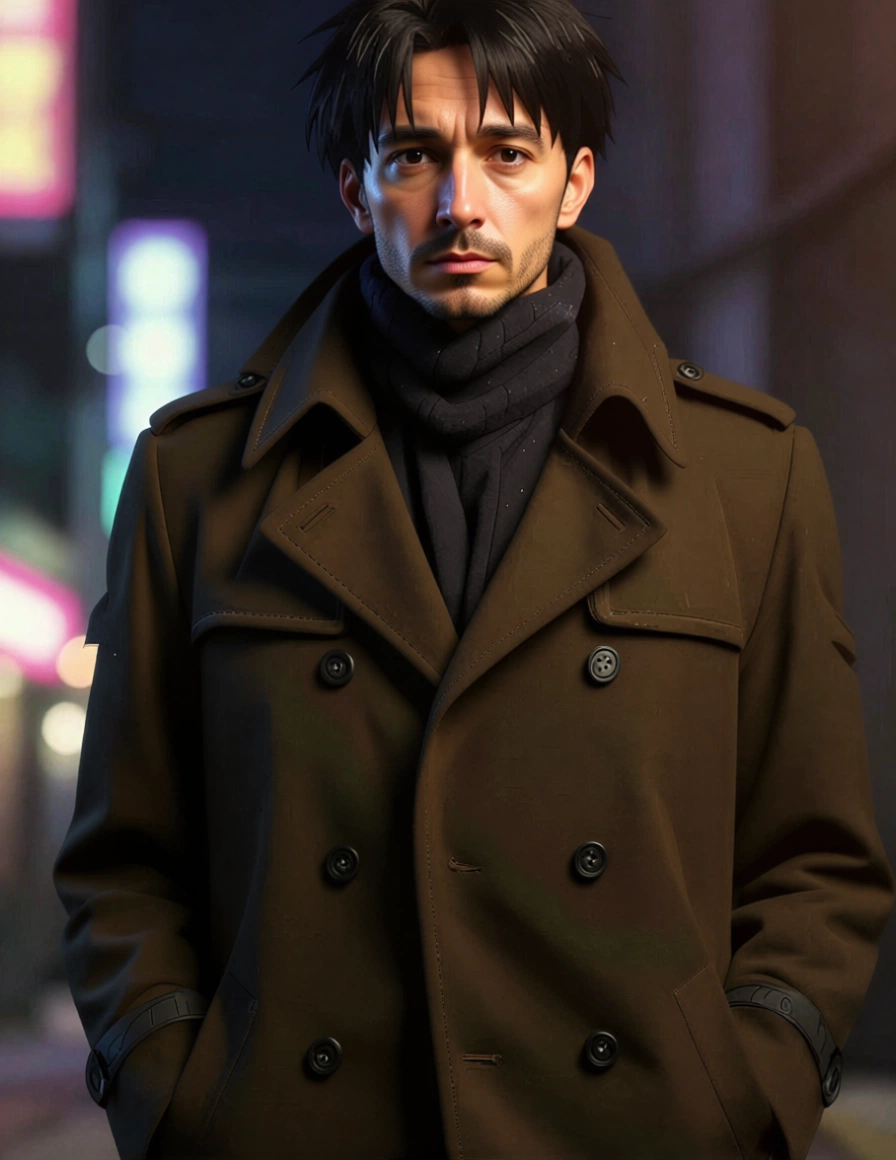 Realistic
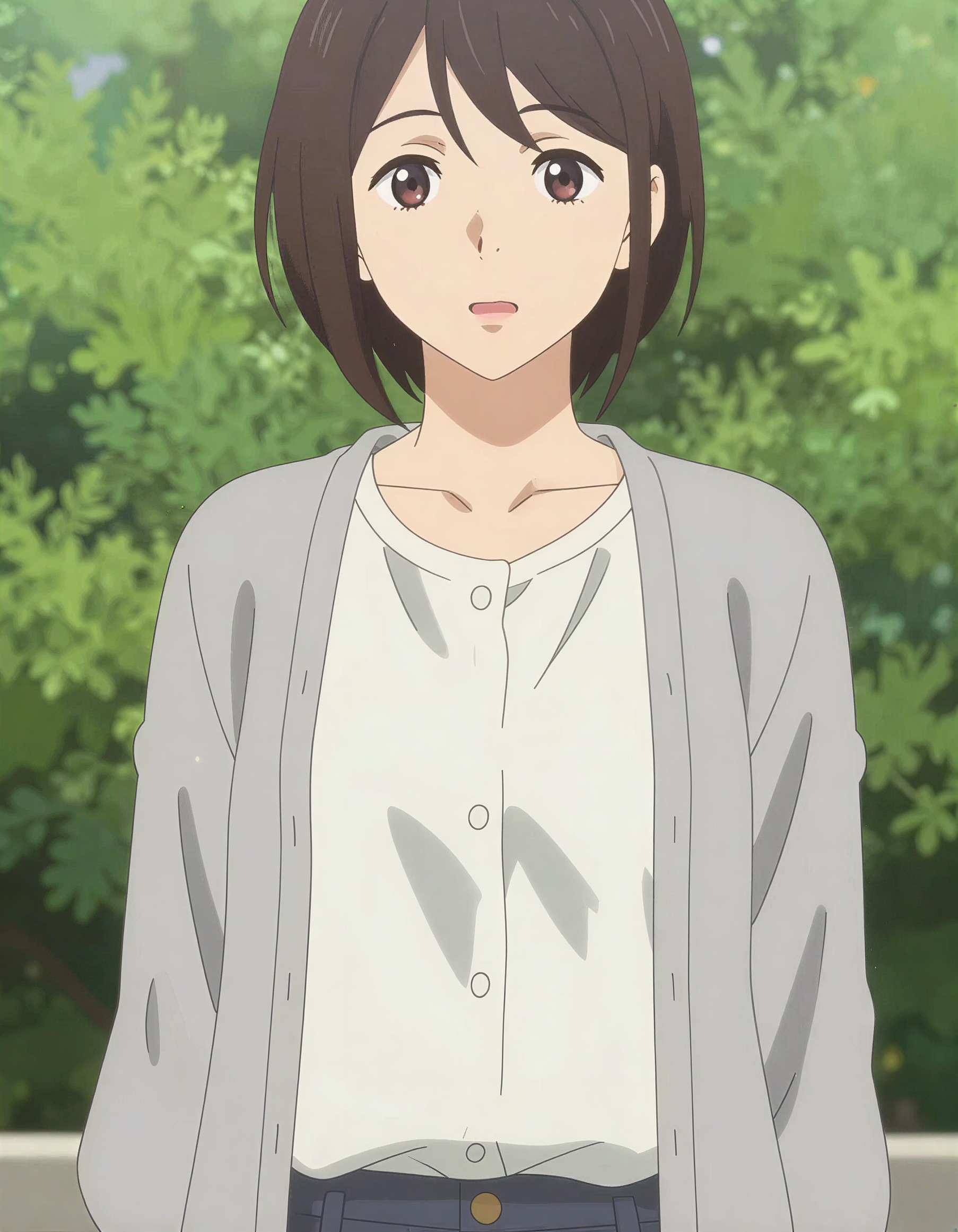 Anime
Anime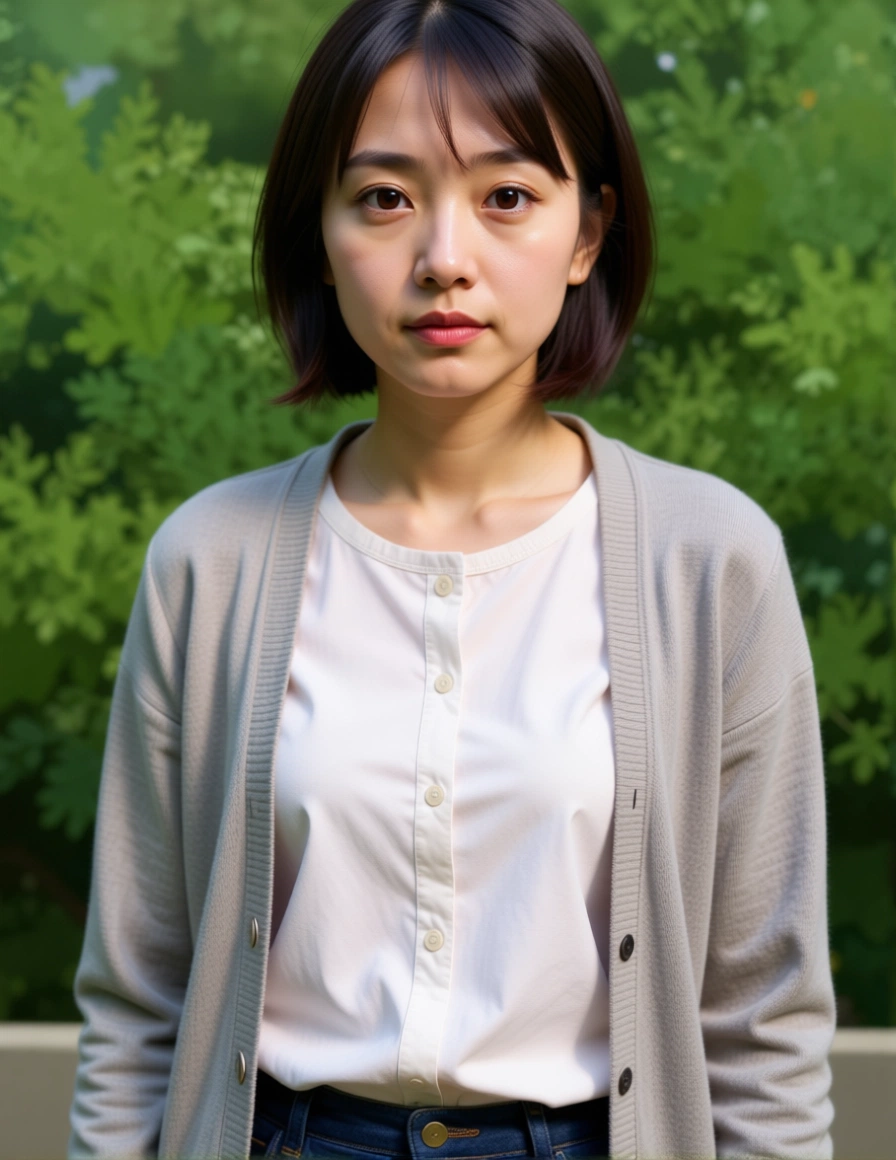 Realistic
Each prompt names what should stay the same, not only what should change — that is what keeps the character recognisable. Send one to the converter and adjust from there.
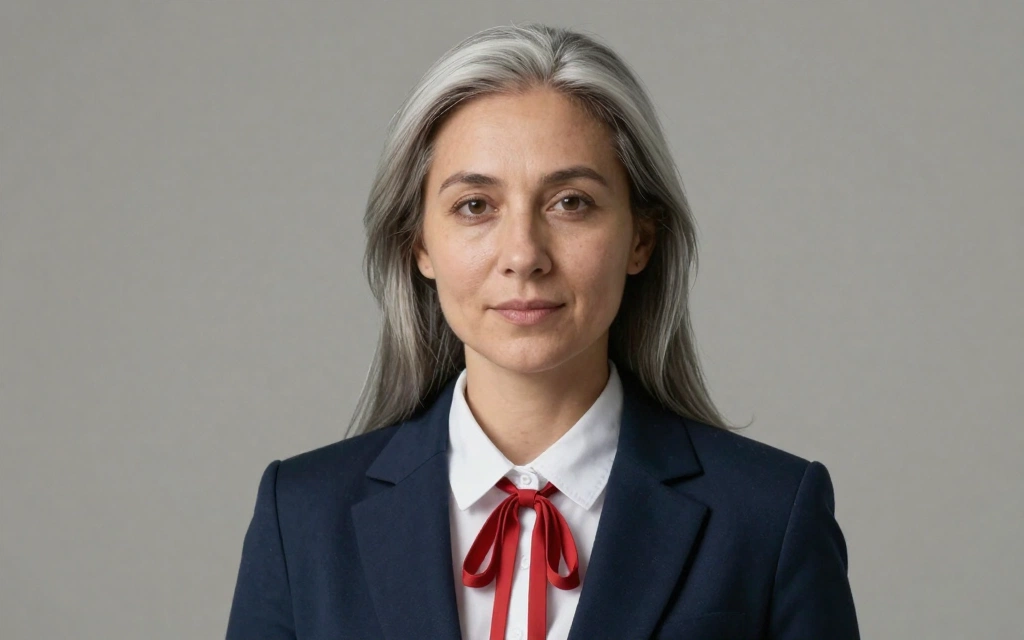
Convert this anime character into a photorealistic portrait of a real person. Keep every garment exactly as drawn and fully covering. Render the face and hands with realistic skin tone and texture, realistic eye anatomy and proportions, soft studio lighting, shallow depth of field, 85mm lens. Keep the original hairstyle, hair colour, clothing and pose unchanged.
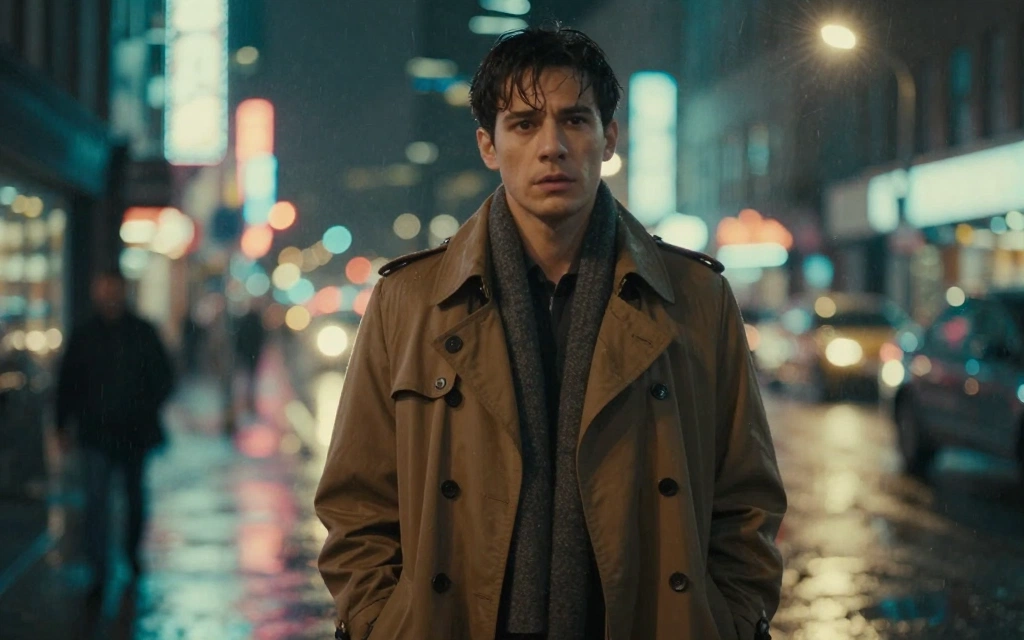
Reimagine this anime scene as a live-action cinematic film still. Keep all wardrobe exactly as drawn and fully covering. Photorealistic humans, natural fabric texture, anamorphic lens flare, teal and orange colour grade, 35mm film grain. Keep the original composition, camera angle and character placement.
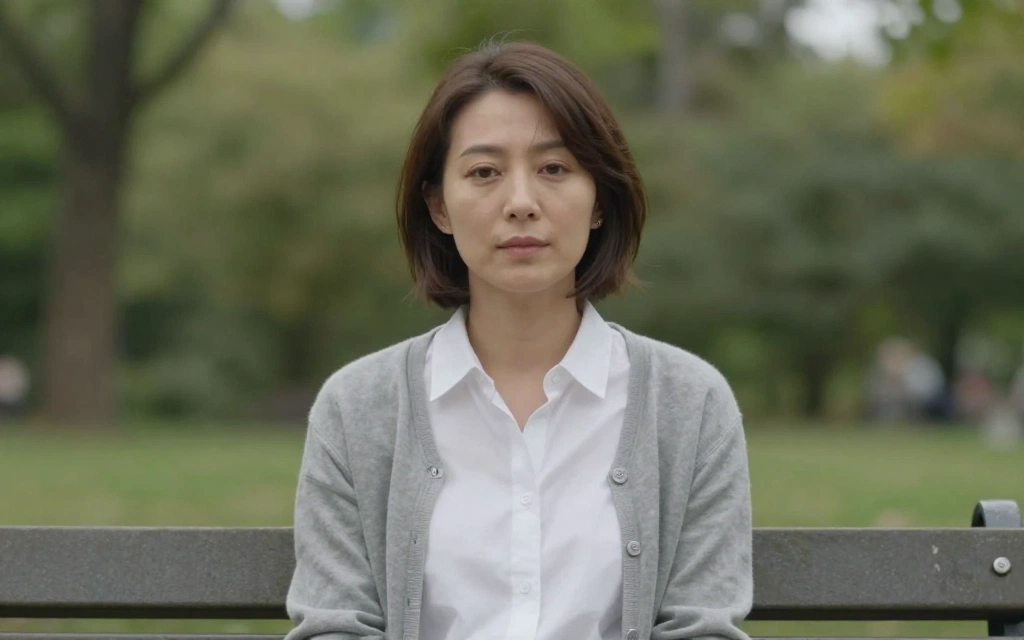
Turn this illustration into a candid photograph taken in natural daylight. Realistic human features and body proportions, soft overcast lighting, natural minimal makeup, authentic clothing folds, documentary photography style. Keep the original background layout and framing.

Convert this anime character into a professional studio headshot of a real person. Neutral grey backdrop, three-point lighting, realistic skin tone and texture, sharp focus on the eyes, corporate portrait style. Preserve the character's hair colour, eye colour and outfit.
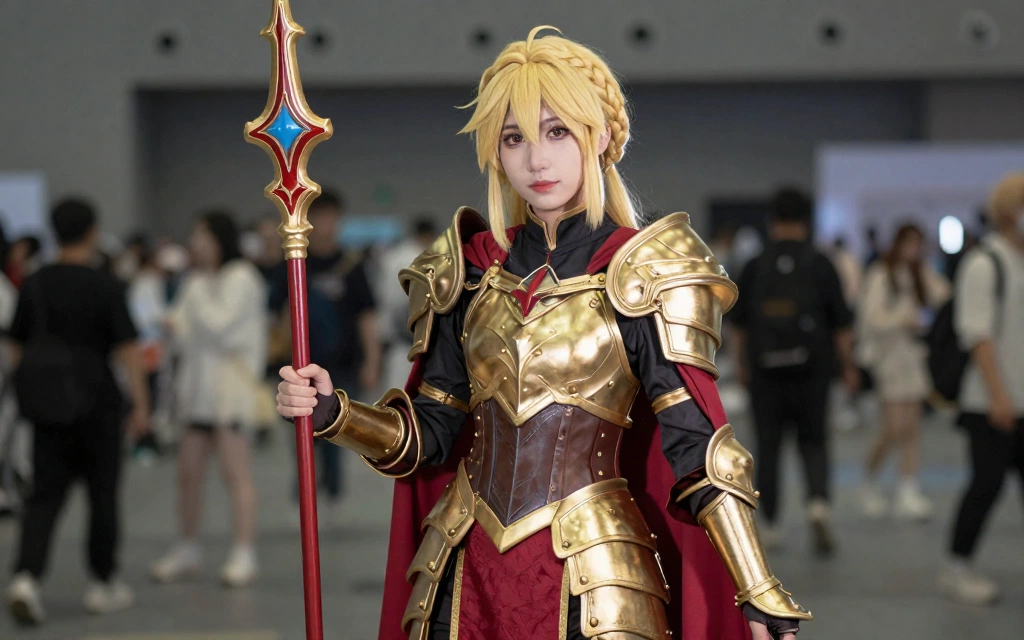
Render this anime character as a real cosplayer photographed at a convention. Realistic human face and body, visible wig and fabric texture, on-camera flash, slightly blurred crowd in the background. Keep the costume design, props and colour palette exactly as drawn.
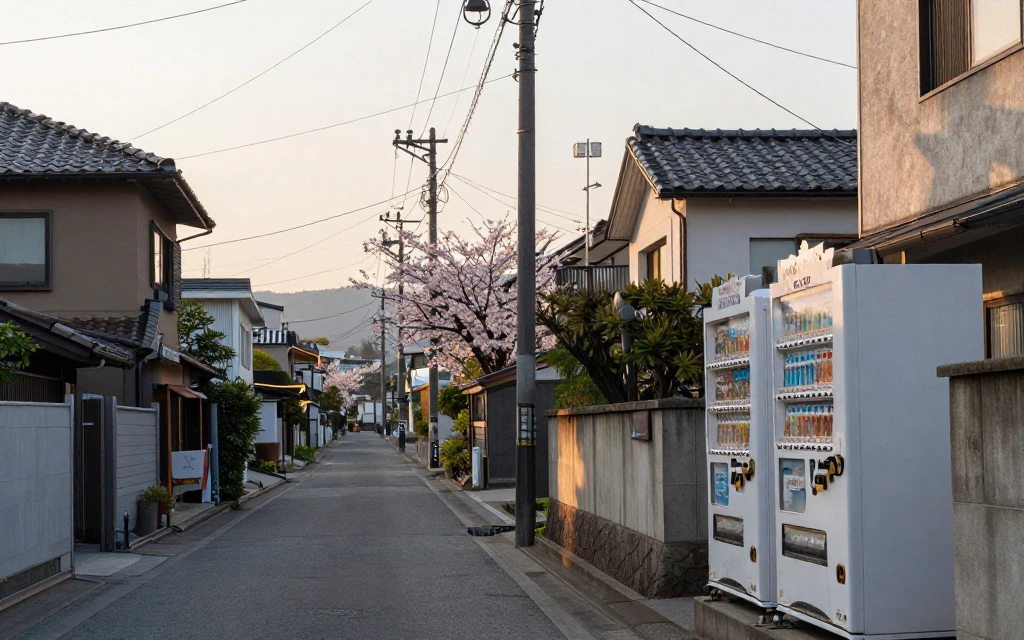
Convert this anime background into a real photograph of the same location. Photographic perspective and lens distortion, real materials with weathering and wear, natural atmospheric haze, golden hour lighting. Keep the original architecture, layout and horizon line.
Drop a PNG, JPG or WEBP. A single character on a clean background converts far more reliably than a busy action panel.
Start from a prompt below and keep strength near 0.45. Always describe what must stay the same, not just what should change.
Compare before and after with the slider. Use the result as the new source to push realism further without losing the character.
Strength decides how much freedom the model gets. Almost every disappointing anime-to-real result comes from setting it too high.
| Strength | Behaviour | What you get |
|---|---|---|
| 0.30 – 0.45 | Light | Keeps the drawing almost intact. Use it only to add photographic texture and lighting on top of the illustration. |
| 0.55 – 0.65 | Balanced (recommended) | Real skin, hair and fabric while the face, hairstyle and pose stay recognisable. The right starting point for most images. |
| 0.70 – 0.80 | Strong | Fully photographic result. Facial features start drifting away from the original character design. |
| 0.85 and above | Reimagine | Treats the source as a loose reference. The composition usually survives; the character's identity usually does not. |
Single characters seen from the front or in three-quarter view, with the face clearly visible and no heavy motion effects. Busy action panels, extreme perspective and chibi proportions are the hardest cases.
Higher strength gives the model more freedom to redraw. Lower it to 0.40–0.50 and name the features you want kept — hair colour, eye colour, hairstyle, clothing — directly in the prompt.
You can upload an image, write a prompt and adjust every setting for free. Running the conversion requires an active credit pack.
It uses the same cost as whole-image editing. The button shows the exact amount before you submit anything.
Yes. Use the realistic environment prompt and keep strength moderate so the layout, perspective and horizon line survive the conversion.
Prepare the image and the prompt for free, then unlock the converter with a credit pack whenever you are ready.